Top.gg launches new Advertising Program
Replacing Top.gg's former advertising platform, Top.gg Ads delivers a completely new experience for advertisers on Top.gg.
Replacing Top.gg's former advertising platform, Top.gg Ads delivers a completely new experience for advertisers on Top.gg.
What's New?
Top.gg Ads changes several things compared to Top.gg Auctions, the former advertising platform. Here are the most important ones listed:
Weekly Auctions are gone!
That's right! An common annoying point when using Top.gg Auctions, used to be that you'd always have to be there on Monday. With the new system, we've moved to an always running Auction model. Basically, you can start, adjust and stop your ad campaign at any time, and Top.gg will immediately reflect that.
Top.gg Ads MCP Server
If you want to optimize your ad with your LLM of your choice, go ahead! Top.gg Ads now offers it's own MCP server, meaning you can give your LLM the control over the entire campaign.
Removal of Specific Slot Auctions
Top.gg Auctions was previously offering Auctions for specifically Slot 1 and 2 of e.g. the Moderation tag. While it may sound fine on paper, it led to some advertisers occasionally being displayed twice in a row, as they had bids on both slots.
Top.gg Ads prevents this entirely. With the new system, you just target your ad for the Moderation tag, and that's it! Top.gg takes care of the exact positioning of your ad, while avoiding that the same user sees the same ad twice within a short time period.
Greater Targeting Options
Speaking of Targeting, you can now target based on Language and Country! Top.gg Auctions never had this, but with Top.gg Ads, you can now set your ad to be targeting e.g. French users from Canada! That's a great feature for bots that support many languages, as they can now serve multi-lingual ads.
Auto Mode
Are you unsure with which audiences your ad may perform the best? In that case, just activate Top.gg Ads' Auto Mode. Once done, Top.gg will intelligently bid based on your campaign's previous performance.
I want to advertise!
Ready to start advertising? Great!
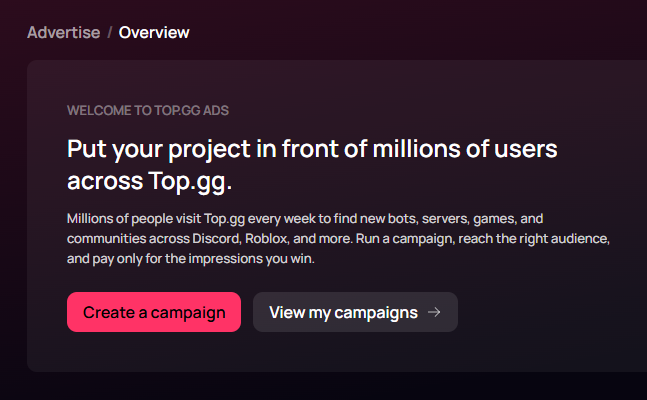
You can get started here. Simply click the "Create a campaign" button, and you'll be guided through the entire process from there onwards.